Image Clipping Path Service — Envision Studio Bangladesh Skip to content
Clipping Path Service

Professional Image Clipping Path Service with Pixel-Perfect Precision

Every path is hand-drawn by senior editors for clean, accurate selections across ecommerce, advertising, catalogs and print. AI-assisted workflow with human refinement, enterprise bulk capacity, and 24-hour turnaround.

  • ★★★★★
    Customer
    Satisfaction
  • 5,000+
    images / day
  • 99.8%
    edge accuracy
  • 24-hour
    delivery
  • Human
    QA checked
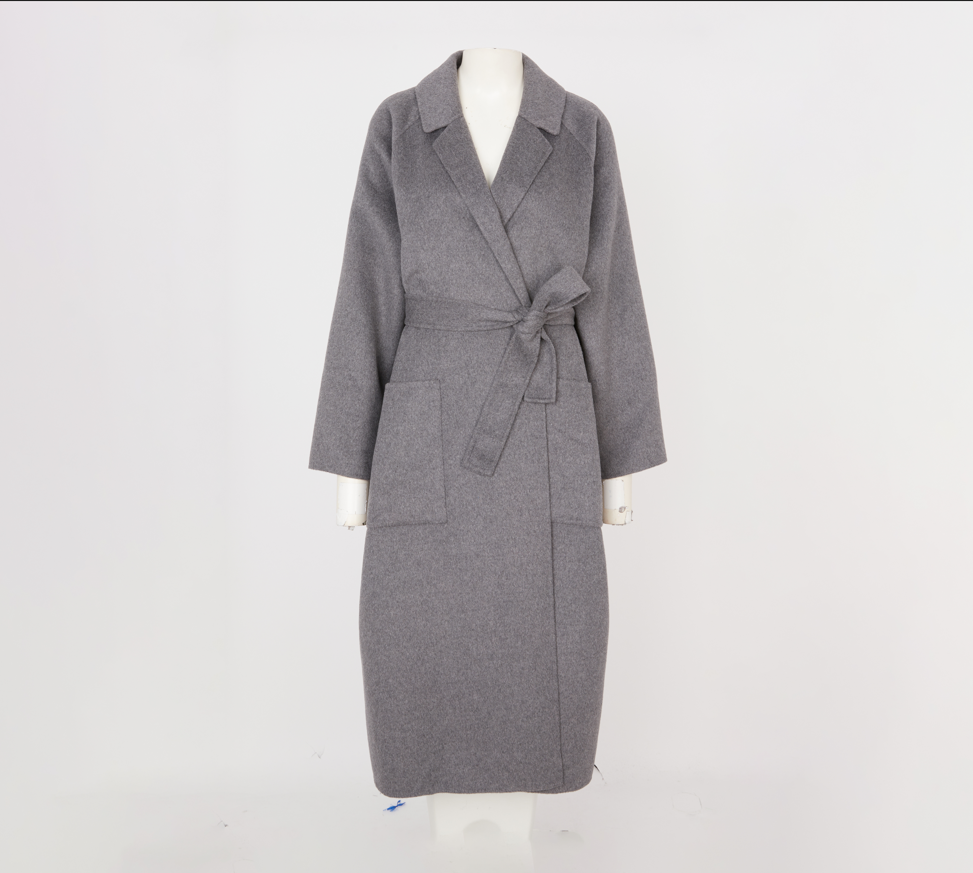
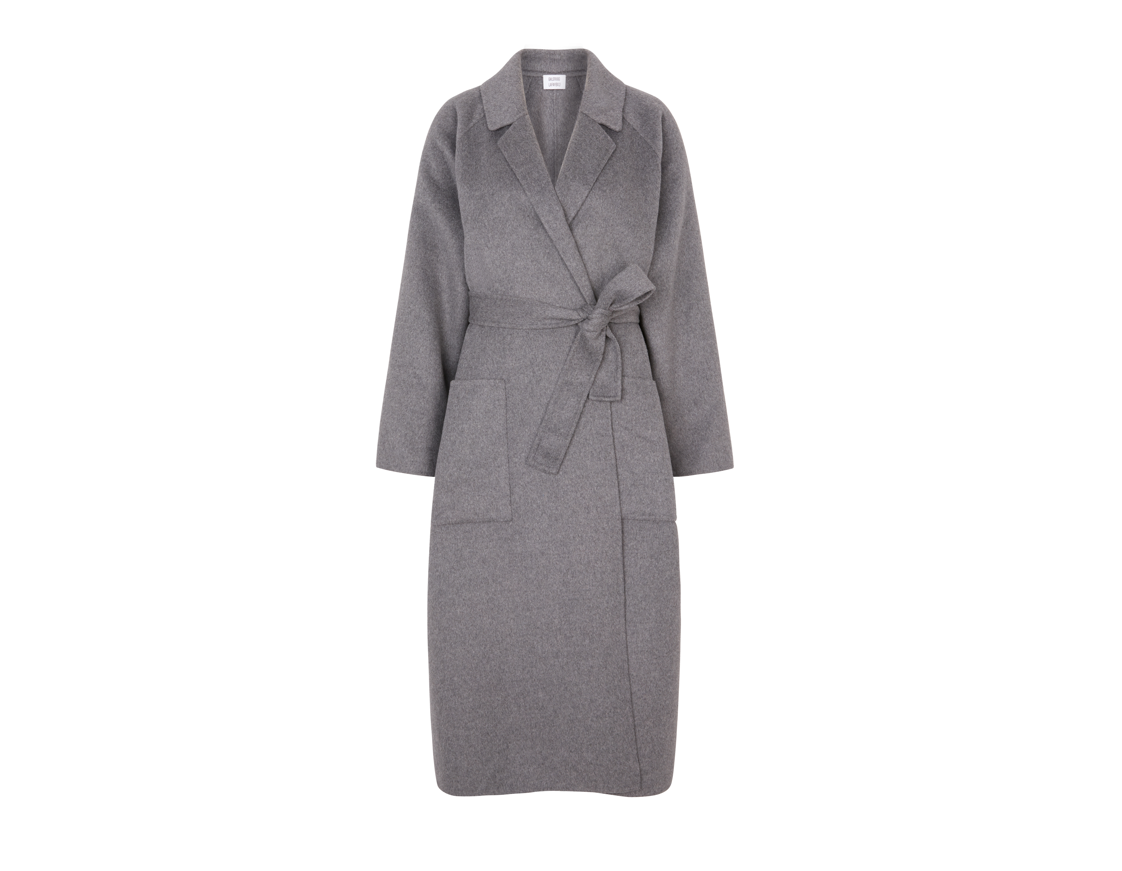
Before
After
Before After
0
Edge Accuracy
0
Daily Volume
0
Turnaround

Trusted by ecommerce brands, studios & creative agencies worldwide

The Fundamentals

What is an image clipping path?

A clipping path is a hand-drawn vector outline created around a subject with the Pen tool inside Photoshop. Unlike automated selections, a manual path defines the exact edge of a product — pixel by pixel — so it can be isolated, placed on any background, or exported as a transparent PNG without haloing, jagged edges or lost detail.

  • Manual paths outperform AI selections on fine edges, curves and low-contrast subjects.
  • Essential for ecommerce catalogs, printing and premium product photography.
  • Delivered with embedded paths inside PSD, TIFF or JPEG for a fully editable workflow.
Why It Matters

Clipping paths shape how customers perceive your brand

Clean edges and consistent presentation directly impact conversion, brand trust and marketplace compliance.

Benefits

Enterprise-grade output for every image

Portfolio

Before & after — real production work

Filter by category to explore recent client projects and their editing details.

Services

Clipping path services for every level of complexity

From simple silhouettes to intricate multi-path production, priced by anchor-point complexity and delivered with embedded paths.

Clipping Path vs Image Masking

Choose the right technique for the subject

CP

Clipping Path

Best for solid-edged products where a hand-drawn vector outline yields a crisp, scalable selection.

  • • Fashion accessories & apparel with defined edges
  • • Jewelry, watches, footwear
  • • Bottles, cosmetics, electronics
  • • Furniture and hard-surface goods
IM

Image Masking

Ideal for soft, translucent or highly detailed edges where a vector path can't capture every strand or gradient.

  • • Hair, fur, feathers
  • • Glass, smoke, transparent liquids
  • • Sheer fabrics and lace
  • • Motion or soft-focus subjects
Manual vs AI

Why hand-drawn paths still win

Attribute AI Only Envision Studio
We combine AI efficiency with expert manual refinement to ensure flawless results.
Industries

Trusted across every visual-first industry

Marketplace Ready

Compliant with the platforms you sell on

White backgrounds, transparent PNGs, correct aspect ratios and sizing — delivered to spec for each marketplace.

Quality Assurance

A rigorous, multi-stage pipeline

Why Envision Studio

The premium alternative to freelancers & automation

Feature Envision Studio Freelancer AI Tool
Pricing Estimator

Transparent, per-image pricing

Adjust volume, complexity and turnaround to see a live estimate. Enterprise contracts and volume discounts available on request.

  • • From $0.29 per image on simple objects
  • • Free 2-image trial before every project
  • • Dedicated production teams for 500+ image monthly volumes
Estimated total
$49.00
$0.49 per image · 24h delivery
Lock this quote
Turnaround

Predictable delivery at every volume

Case Studies

Results our clients ship every week

Testimonials

Loved by studios and brand teams

How It Works

A frictionless workflow from upload to approval

File Formats

Any format your production pipeline needs

Security

Enterprise-grade confidentiality

FAQ

Answers to common questions

Related Services

Complete your post-production stack

What is an image clipping path?

An image clipping path is a hand-drawn vector shape created inside Photoshop using the Pen tool. It defines the exact silhouette of a subject so it can be isolated from its background, exported with transparency, or dropped onto any surface — from marketplace listings to premium print catalogs.

Key insight

Manual clipping paths preserve fine edge detail that AI selections routinely miss — especially on curved, reflective or low-contrast products.

Basic vs complex clipping path

Complexity is a function of anchor-point count. A rectangular smartphone box may take under 40 anchors, while a chandelier or bicycle can exceed 3,000. Pricing scales predictably with complexity, and Envision's estimator lets you plan production without surprises.

Clipping path vs background removal

Background removal is the outcome; clipping path is one technique to achieve it. For hard-edged products, a clipping path yields the cleanest, most editable result. For soft edges — hair, fur, glass — image masking is the correct tool.

Manual vs AI

AI selections are useful for bulk pre-processing, but hand-drawn paths are still the standard for premium ecommerce and print. Our workflow uses AI to accelerate ingest and QA, while every path is refined and signed off by a senior editor.

Common mistakes to avoid

  • • Over-anchoring — bloated paths that ripple on export.
  • • Ignoring transparent regions in compound objects.
  • • Skipping QA at 200% zoom before delivery.
  • • Delivering PNGs without embedded paths for downstream editing.
Start Today

Precision starts with a perfect clipping path.

Expert craftsmanship, scalable production, consistent quality and fast delivery — trusted by ecommerce brands, agencies and manufacturers worldwide.

Free Trial Upload WhatsApp